AI Use Case Qualification Scorecard
Describe each AI idea the same way, test it against four non-negotiables, then score it on six weighted criteria.
Where it fitsStage 3 of 7 · Design: What must the organisation and the offer look like?
What it is
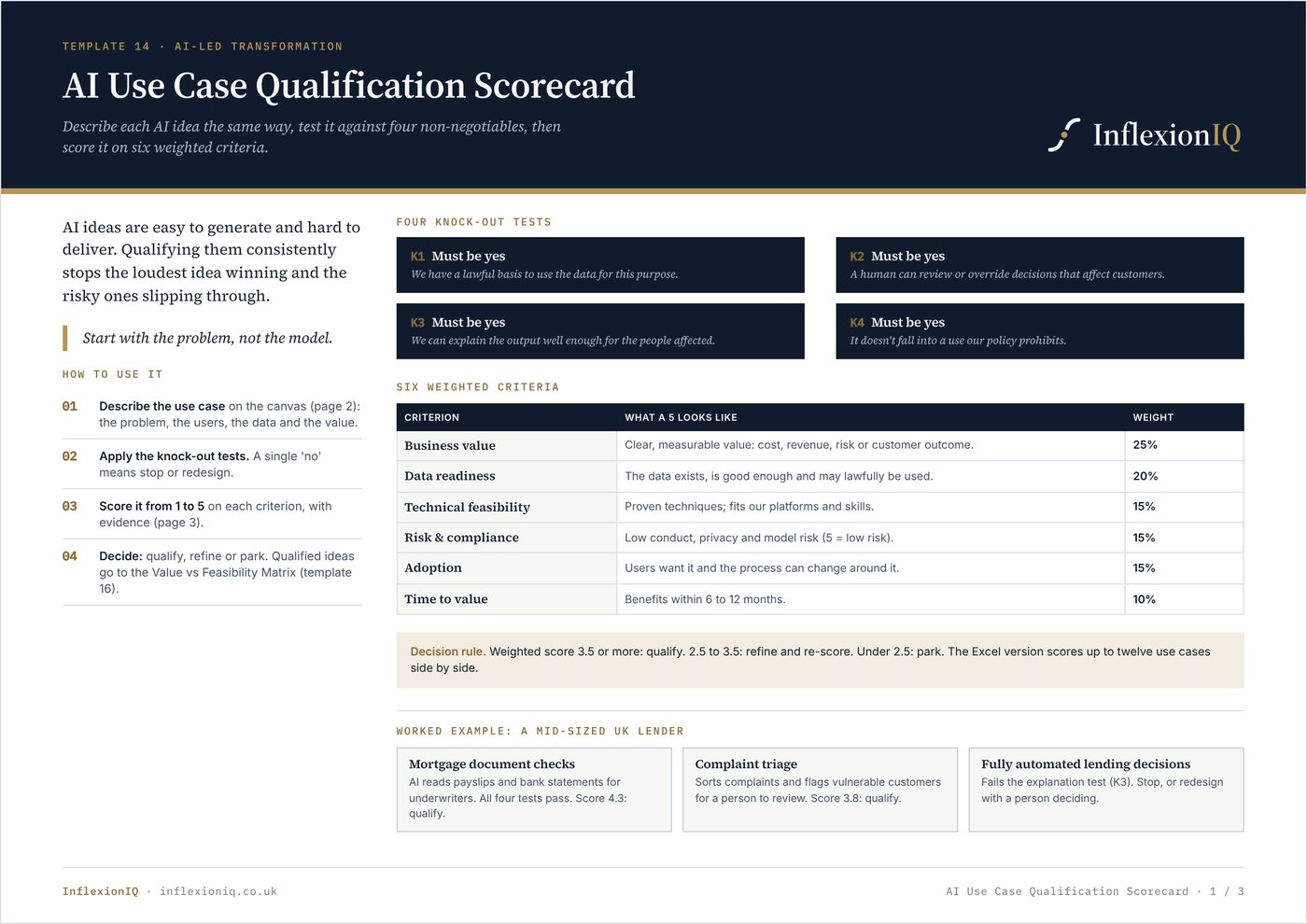
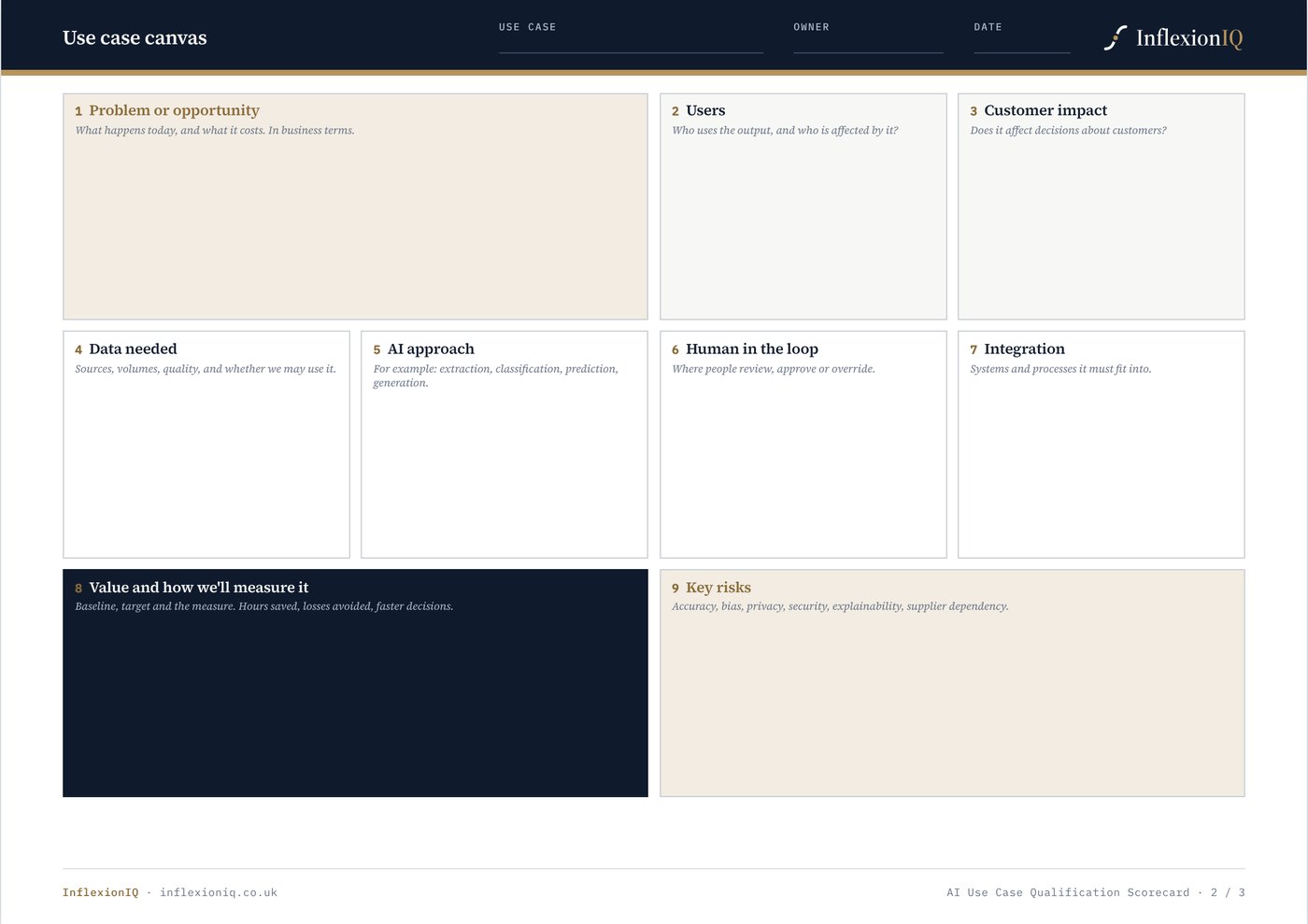
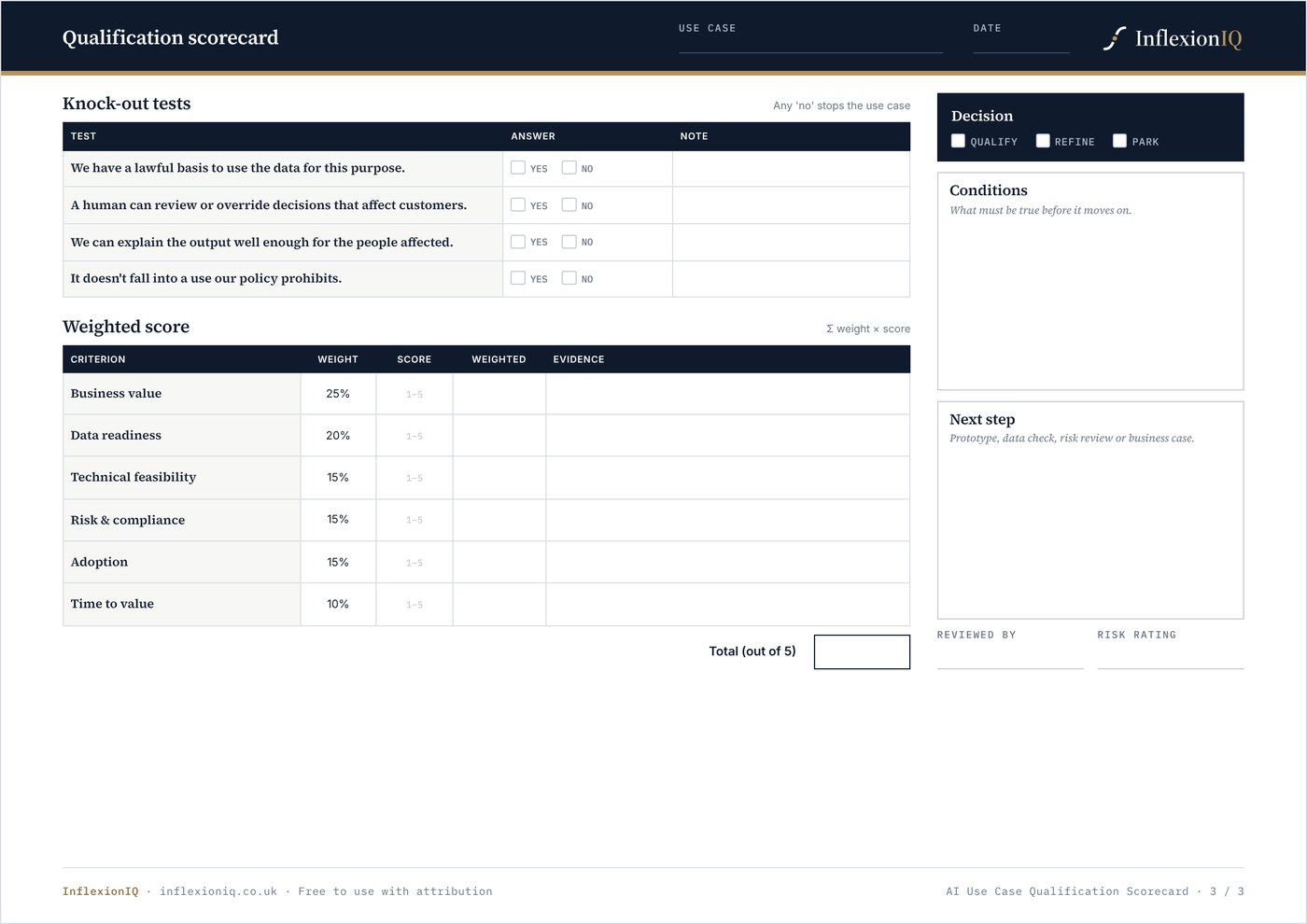
A consistent way to qualify AI ideas. The use case canvas captures the problem, users, data, approach, human oversight, value and risks. Four knock-out tests check the non-negotiables. Six weighted criteria give a score out of 5 and a decision: qualify, refine or park. The Excel version scores up to twelve use cases side by side.
Why use it
AI ideas are easy to generate and hard to deliver. Without a common test, the loudest or most exciting idea wins, and risky ones slip through. Qualifying every idea the same way gives a fair, defensible shortlist and shows what each idea still needs.
How to use it
- Describe each idea on the use case canvas: the problem, users, data, AI approach, human oversight, value and risks.
- Apply the four knock-out tests. A single 'no' means stop or redesign.
- Score the idea from 1 to 5 on each of the six criteria, with evidence for each score.
- Let the weighted score suggest a decision: qualify at 3.5 or above, refine between 2.5 and 3.5, park below 2.5.
- Send qualified use cases to the Value vs Feasibility Matrix to be prioritised as a portfolio.
Try it here
Answer the four knock-out tests, then score the use case. The sliders start at the lender's mortgage document checks.
Nothing you enter here leaves your browser. Download the template to keep your work.
When it helps
- After an AI ideas session or a call for use cases
- Before asking for funding for an AI pilot
- When several teams are competing for the same AI budget
- Reviewing AI pilots that have stalled
What is inside
- A guide to the knock-out tests and weighted criteria
- A one-page use case canvas
- A scorecard with knock-outs, weighted score and decision
- An Excel scorer for twelve use cases
Worked example
Twelve AI ideas came in from across the business. Three show how the scorecard works.
| Mortgage document checks | All four knock-out tests pass. Value 5, data 4, technical 4, risk 4, adoption 4, time to value 4. Weighted score 4.3: qualify. |
|---|---|
| Complaint triage | Sorts complaints and flags signs of vulnerability for a person to review. Weighted score 3.8: qualify. |
| Personalised savings offers | Strong value, but data readiness scores 2 with no single customer view. Weighted score 3.2: refine. |
| Fully automated lending decisions | Fails the explanation test. Stop, or redesign so a person decides. |
What happened next. Seven of the twelve qualified or went back for refinement. All of them moved on to the Value vs Feasibility Matrix.
Preview
Questions
How do you qualify an AI use case?
Describe it the same way as every other idea, check it passes a few non-negotiables such as a lawful basis for the data and human oversight, then score it on value, data readiness, technical feasibility, risk, adoption and time to value.
What is a knock-out test?
A question that must be answered yes, whatever the score. If a use case fails one, it stops or is redesigned. It prevents a high-value idea with an unacceptable risk from slipping through on points.
Rate and review
How useful was this template?
Your rating and comments help me improve the template and decide what to build next. It takes less than a minute.
Thank you.
Your feedback has been sent. If you have got another minute, share the template with someone who'd find it useful.
More templates
All templates →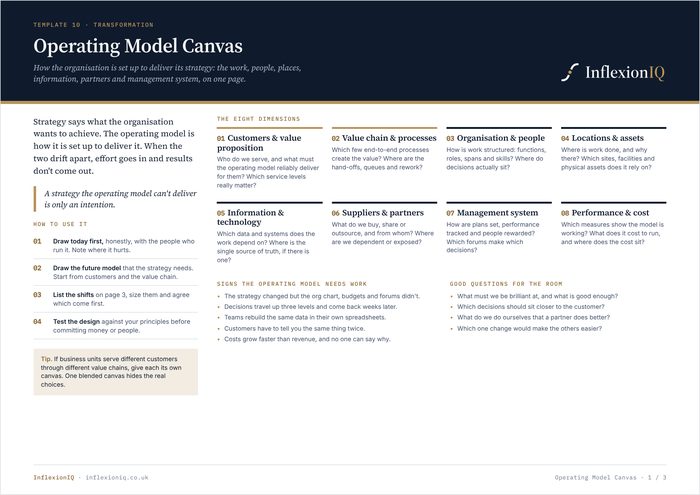
Operating Model Canvas
How the organisation is set up to deliver its strategy, from the work and people to places, information, partners and management, on one page. PowerPointPDFView and download →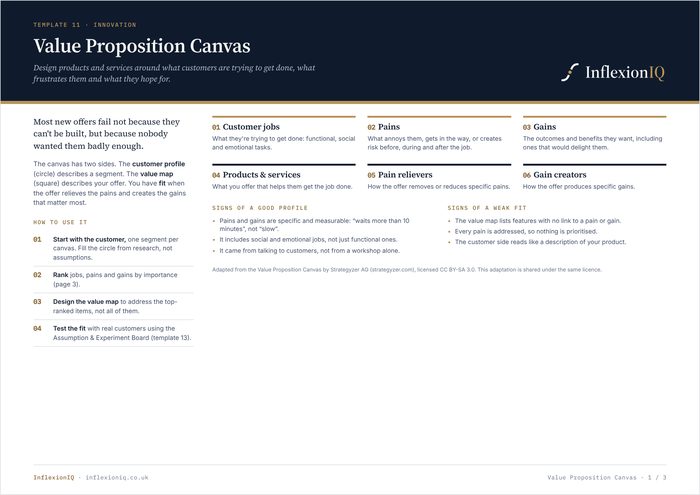
Value Proposition Canvas
Design products and services around what customers are trying to get done, what frustrates them and what they hope for. PowerPointPDFView and download →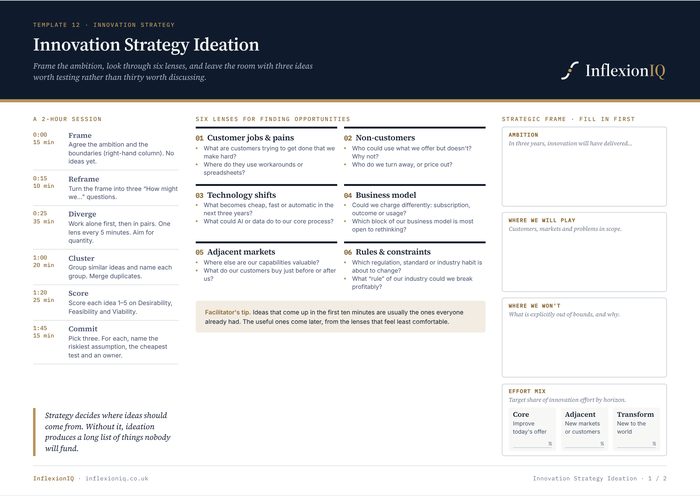
Innovation Strategy Ideation
Frame the ambition, look through six lenses, and leave the room with three ideas worth testing. PowerPointPDFView and download →Need something different? Request a template →